PHP2Shell (CVE-2026-109618 & CVE-2026-109619): What It Is and How to Fix It
PHP2Shell is two critical PHP flaws that allow unauthenticated remote code execution. See who is affected, the fixed versions, how to check and patch your servers, interim mitigations and how to spot compromise.

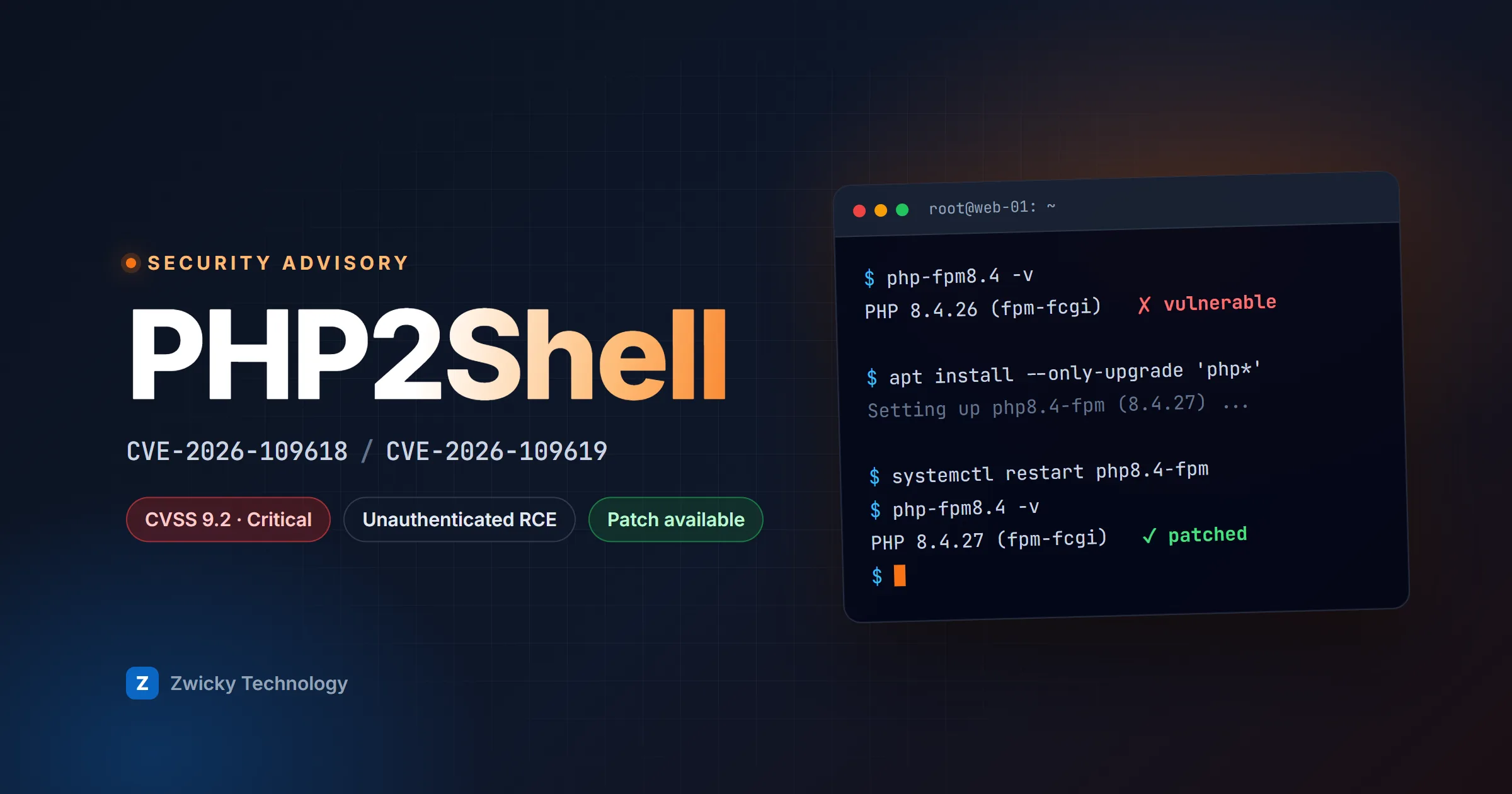
PHP2Shell is the name given to two critical vulnerabilities in the PHP engine itself, CVE-2026-109618 and CVE-2026-109619. Both can let an unauthenticated attacker run code on a web server with the privileges of the web server account, and both are rated 9.2 (Critical) on CVSS v4.0. The PHP project released fixes on 21 October 2026 in PHP 8.5.12, 8.4.27, 8.3.36 and 8.2.35.
Because the flaws live in PHP, not in any one application, they reach almost everything built on it: WordPress, Laravel, Drupal, Magento, custom PHP code, and the many appliances and admin panels that quietly bundle PHP. This guide explains what PHP2Shell is, who is affected, how to check your servers, how to patch, what to do if you can't patch today, and how to look for signs of compromise.
What is PHP2Shell?
PHP2Shell is two separate memory-safety bugs in how PHP manages the internal state of a web request. According to the PHP security advisory:
- CVE-2026-109618, remote code execution via out-of-memory corruption. When PHP runs out of memory, the error can interrupt it while internal request data is only partly set up. The clean-up that runs at the end of the request may then treat that half-built data as valid. (GHSA-w8hw-w9fx-j79w)
- CVE-2026-109619, remote code execution via stale global state. Some request-owned internal state can outlive the memory behind it. A later request handled by the same worker process may use that stale state before PHP's normal initialisation resets it. (GHSA-6wmf-4rv5-p3rp)
In plain terms: a specially crafted HTTP request can leave PHP's memory in an inconsistent state, and an attacker who controls that state can turn it into code execution. No login is needed, and the PHP project notes that on Apache with mod_php an attack can be triggered before any application code runs. That means application-level defences, such as a framework's input validation or a WordPress security plugin, cannot stop it.
| CVE-2026-109618 | CVE-2026-109619 | |
|---|---|---|
| Root cause | Out-of-memory error during request set-up corrupts clean-up | Stale request state reused by the next request on the same worker |
| Impact | Unauthenticated remote code execution | Unauthenticated remote code execution |
| Severity | CVSS v4.0 9.2, Critical | CVSS v4.0 9.2, Critical |
| Interim mitigation | Memory and request-size limits | Disable session upload progress |
| Complete fix | Update PHP | Update PHP |
Who is affected?
Every PHP installation that serves web requests and runs a version older than the fixed releases. The PHP project names these server setups (SAPIs) explicitly:
- Apache with mod_php: the highest risk, with a demonstrated exploit that needs no authentication and fires before your code runs.
- PHP-FPM (behind nginx, Apache, Caddy and others), the most common setup today.
- php-cgi, FrankenPHP and LiteSpeed.
Command-line PHP scripts and cron jobs that never handle web traffic are not the target, but they usually share a PHP installation with your web runtime, so update everything together.
Products that bundle PHP
PHP is embedded in many appliances, network devices and management consoles, where you can't update PHP yourself. The Dutch NCSC keeps a status list of affected vendor products, and vendors including Cisco, HPE, NetApp, Broadcom and Palo Alto Networks have published or are preparing advisories. If a device you run has a web management interface, check its vendor's security page and apply their update when it ships. Until then, keep the interface off the internet.
Fixed PHP versions
| PHP branch | Fixed in | Notes |
|---|---|---|
| 8.5 | 8.5.12 | Also set fatal_error_backtraces=0 until patched |
| 8.4 | 8.4.27 | Supported |
| 8.3 | 8.3.36 | Supported |
| 8.2 | 8.2.35 | Security support ends 31 December 2026 |
| 8.1, 8.0, 7.4 | No official release | Source-only backports from PHP; vendor or distribution packages may include them |
| 7.3 and older | No fix | Upgrade to a supported branch |
Linux distributions and long-term-support vendors received the patches in advance, so their packages are often fixed without the upstream version number changing. A Debian or Ubuntu package might still report 8.3.x with a lower patch number while containing the fix. Check your vendor's security tracker, not just the version string. Pre-release builds of PHP 8.6 are also affected: 8.6.0 RC4 includes the fixes.
How to check whether you are vulnerable
- List every place PHP runs: web servers, containers, shared hosting accounts, staging environments and appliances. Internet-facing systems come first.
- Check the version that serves web requests, not just the command line.
php -vshows the CLI binary, which can differ from the PHP-FPM or Apache module actually handling traffic. Check the FPM binary directly, or load a restrictedphpinfo()page and delete it afterwards. - Check for backported fixes. If your version number looks old, read your distribution's changelog for CVE-2026-109618 and CVE-2026-109619 before assuming you're exposed.
- Check container images. An image built last month still carries last month's PHP. Rebuild and redeploy rather than patching a running container.
# The PHP that serves web requests (adjust the version)
php-fpm8.3 -v

# Debian / Ubuntu: installed packages and whether the fix is included
apt list --installed 'php*' 2>/dev/null
apt-get changelog php8.3-fpm | grep -E 'CVE-2026-10961(8|9)'

# RHEL / Rocky / Alma
rpm -q --changelog php-fpm | grep -E 'CVE-2026-10961(8|9)'

# A container image
docker run --rm your-image:tag php -v
How to fix PHP2Shell
The only complete fix is a patched PHP. The steps depend on how you run it.
Ubuntu and Debian
sudo apt update
sudo apt install --only-upgrade 'php*'
sudo systemctl restart php8.3-fpm   # or: sudo systemctl restart apache2
RHEL, Rocky Linux and AlmaLinux
sudo dnf upgrade 'php*'
sudo systemctl restart php-fpm   # and httpd if you use mod_php
Docker and Kubernetes
Pull the patched official base image (for example php:8.4-fpm), rebuild your image, and roll it out. Pin to a fixed patch version such as php:8.4.27-fpm so a stale cached tag can't slip back in.
Shared hosting, cPanel and Plesk
Your host controls the PHP build. Confirm with them that the PHP versions offered in your control panel include the October 2026 security release, and switch your sites to a supported branch if they still run 8.1 or older.
Verify the fix
After restarting, confirm the new version through a real web request, not the CLI. A worker that never restarted keeps running the vulnerable code even though the package on disk is patched.
Can't patch today? Interim mitigations
If an update has to wait for a maintenance window or a vendor release, the PHP project lists settings that reduce exposure to specific attack paths. In the project's own words, they "do not make an installation safe".
- Disable session upload progress (CVE-2026-109619): set
session.upload_progress.enabled=0inphp.inior the FPM pool configuration, then restart every worker. Setting it withini_set()or a.user.inifile is too late, because the attack happens while the request is being parsed. - On PHP 8.5, disable fatal error backtraces: set
fatal_error_backtraces=0and restart. - Lower request-size limits (CVE-2026-109618): set
post_max_size = 8Mif you don't accept uploads, or32Mif you do, and keepupload_max_filesizebelow it. Enforce similar limits on body size, field count and header count at nginx, your load balancer or your WAF. - Remove the PHP memory limit only with a safety net: PHP suggests
memory_limit=-1, set withphp_admin_valueso applications can't override it. This removes the controllable out-of-memory failure, but put a container or cgroup memory limit in place so one runaway request can't exhaust the server. - Turn off file uploads where you don't need them: set
file_uploads = Offand rejectmultipart/form-datarequests at the web server. - Restrict access: put admin panels and internal PHP apps behind a VPN, zero-trust access or an IP allowlist until they are patched.
; php.ini or the FPM pool (php_admin_value[...]); restart workers afterwards
session.upload_progress.enabled = 0
post_max_size = 8M
upload_max_filesize = 4M
expose_php = Off
; PHP 8.5 only
fatal_error_backtraces = 0How to check for signs of compromise
Some security vendors reported exploitation attempts around the time of disclosure. Sophos recommends reviewing activity from 1 August 2026 onwards. Look for:
- Unusual uploads:
multipart/form-dataPOST requests to URLs that don't normally accept uploads, and requests containing aPHP_SESSION_UPLOAD_PROGRESSfield. Standard access logs often omit request bodies, so WAF or proxy logs are more useful here. - Error spikes: bursts of "Allowed memory size exhausted" errors or segmentation faults in PHP and web server logs.
- Suspicious processes: PHP-FPM, php-cgi or Apache spawning shells, scripting interpreters,
curlorwget. - New or changed PHP files in your web root, a common sign of a web shell.
- Unexpected outbound connections from PHP processes, and unexpected admin logins to your applications.
# PHP files created or modified since 1 August 2026
find /var/www -name '*.php' -newermt '2026-08-01' -printf '%TY-%Tm-%Td %TH:%TM  %p\n' | sort

# Memory exhaustion and crashes in PHP-FPM logs
grep -E 'Allowed memory size|SIGSEGV' /var/log/php*-fpm.log*
If you find evidence of compromise, patching is no longer enough. Isolate the server, preserve logs, rotate every secret it could read (database passwords, API keys, cloud credentials), and rebuild from a known-good image rather than cleaning in place.
The follow-up advisory: CVE-2026-115560
On 23 October 2026 the PHP project published an informational advisory about a related, less likely code-execution path in session upload progress, to be fixed as CVE-2026-115560 in the next regular release. It only affects applications that switch session.serialize_handler from php_binary or php_serialize to php at runtime, using ini_set() before session_start(), while upload progress is enabled.
The advice is simple: keep session.upload_progress.enabled=0 until that release ships. If you already applied it for CVE-2026-109619, no further action is needed.
PHP2Shell timeline
- August 2026: the vulnerabilities are reported privately to the PHP security team. Wiz Research is credited with the discovery.
- 20 October 2026: PHP pre-announces a critical security release.
- 21 October 2026, 14:00 UTC: PHP 8.5.12, 8.4.27, 8.3.36 and 8.2.35 are released, with source backports for 8.1, 8.0 and 7.4. CERT-EU and national CSIRTs publish advisories.
- 23 October 2026: PHP publishes the session upload progress follow-up (CVE-2026-115560).
What PHP2Shell teaches about running PHP in production
- Your runtime is part of your attack surface. Secure application code doesn't help when the engine underneath is vulnerable. Track PHP versions like any other dependency.
- Know where PHP runs. The slowest part of responding to PHP2Shell is finding every server, container and appliance. Keep an up-to-date inventory.
- Make patching routine. Automated base-image rebuilds, unattended security updates and a tested restart process turn an emergency into a normal deploy.
- Plan end-of-life upgrades early. PHP 8.1 and older got no official release for PHP2Shell, and PHP 8.2 loses security support on 31 December 2026. Move to 8.4 or 8.5 before the next critical bug, not after.
Need help auditing your PHP estate, patching safely or upgrading off an end-of-life PHP version? Talk to our engineering team: we can help you check exposure, plan the upgrade and harden your deployment.
Sources
- PHP security advisory, 21 October 2026 and informational advisory, 23 October 2026
- GitHub security advisories GHSA-w8hw-w9fx-j79w (CVE-2026-109618) and GHSA-6wmf-4rv5-p3rp (CVE-2026-109619)
- CERT-EU Security Advisory 2026-018
- NCSC-NL: operational information and vendor status
- Sophos advisory: PHP2Shell